Store lists and official platform help, not an in-game menu test. PC/PS5 and Switch 2 list different languages. The platform paths below are documented, but this game's internal language menu and response to system-language changes have not been tested.
| Platform | Included | Not listed |
|---|---|---|
| PC and PS5 | EN audio; FR, DE, JA, KO, ZH-Hans, ES-419 text | RU, PL, IT, UK, TR, PT-BR |
| Switch 2 | EN, FR, DE, JA, KO, ES-419, PT-BR | Simplified Chinese, Russian, Polish |
First check the language list for your platform and store region. These are official platform-setting paths, not a verified internal menu for The Midnight Walk. Changing a setting cannot add a translation missing from your edition. English remains the listed audio track.
Steam: change an individual game language
- Close the game, open Steam Library, right-click The Midnight Walk and select Properties.
- Steam's official help documents a Language tab: open it and select a supported language from the drop-down if that control is available for this title. This is separate from Steam store language preferences.
- Allow any language files to download, then launch the game again and check the text. If no language control is offered, do not assume an undocumented launch option or in-game menu exists.
PS5: supported text and console language
- Check Screen Languages on The Midnight Walk store page for your region before choosing a target language. Console language does not expand that list or add dubbed audio.
- Save progress and close the game. On PS5, open Settings → System → Language → Console Language and select a language supported by your edition.
- Reopen the game and check its text. The PS5 system path is documented by PlayStation; whether this game follows that setting has not been tested here. No specific internal language-menu path is claimed.
Switch 2: change system language and restart
- Check the Switch 2 store language list above, then save your progress: Nintendo warns that changing the system language restarts the console and closes suspended software.
- From the HOME Menu, open System Settings → System → Language. Choose a language listed for the game and select Restart.
- After the console restarts, launch the game again. Nintendo documents supported games using the console language; this title has not been tested here. The setting does not add unlisted Simplified Chinese or Russian text.
If a listed language remains unavailable, ask [email protected] and include your platform, store region, game version and requested language. We have not verified an internal language menu, so no guessed menu labels are supplied.
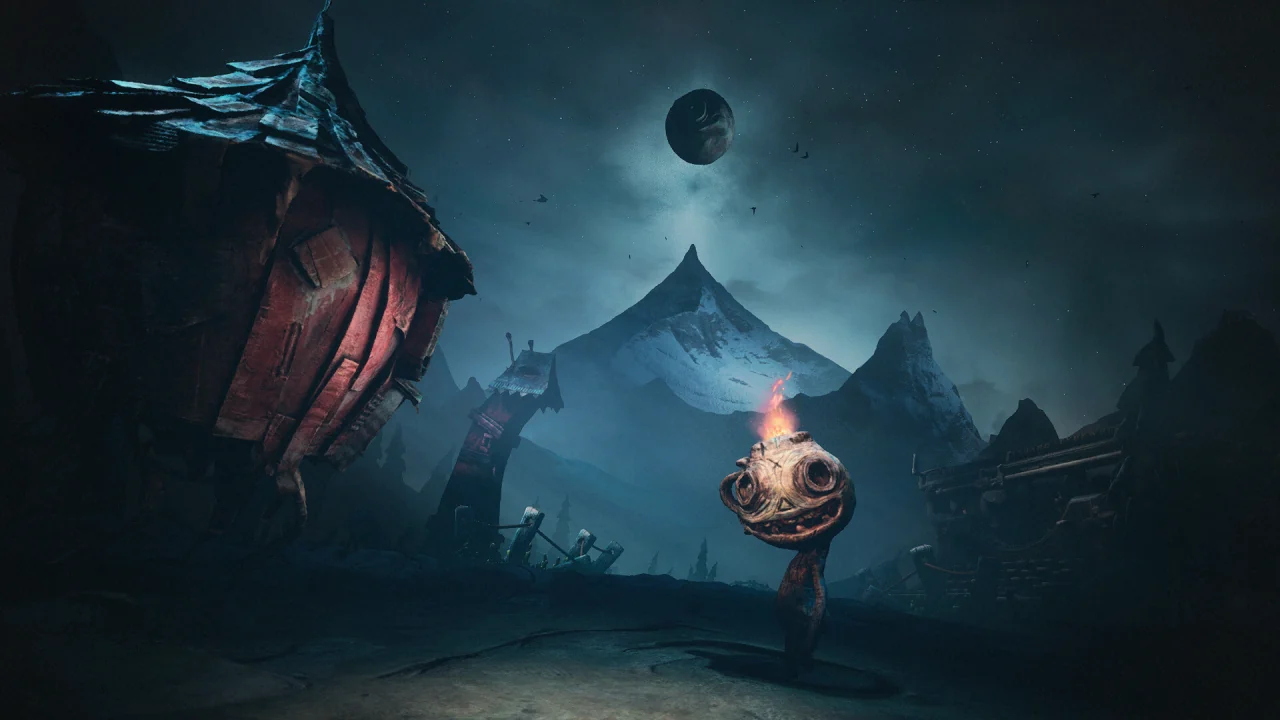
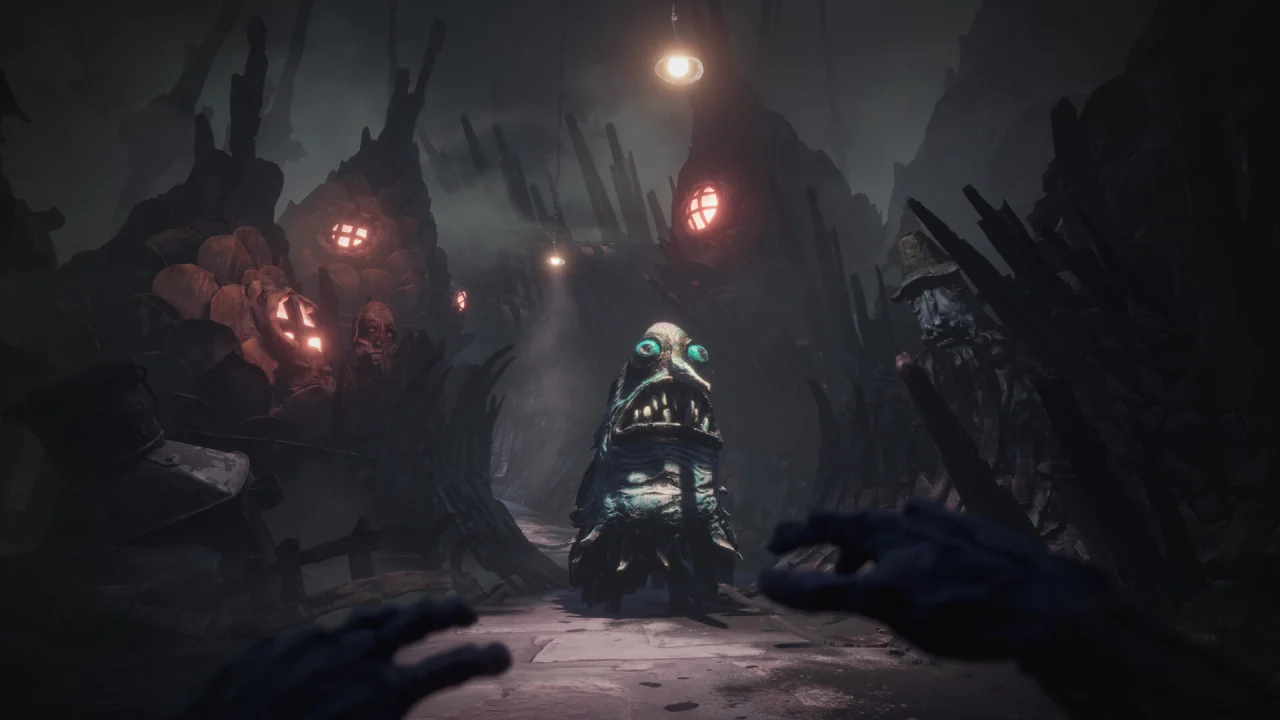
Dontaz’s Russian text project has a verifiable GitHub release. PCGamingWiki’s search-indexed entry also mentions community Polish, Brazilian Portuguese and Ukrainian translations; its full page returned HTTP 403 during this audit. Those mentions do not establish file safety, quality or current-build compatibility. None is official, and this site does not host the files.
Questions
Is there Russian voice acting?
No official Russian audio or text. A community text project exists. It is not the studio’s.
Why is Portuguese on Switch 2 only?
That is what the Nintendo and Super Rare pages list. The Steam list does not include Brazilian Portuguese.
Keep going
Sources checked 23 October 2026
- Steam store page — Checked 23 October 2026.
- PlayStation Store (Canada listing) — Checked 23 October 2026.
- Nintendo — platform-specific language list — Brazilian Portuguese listed; Simplified Chinese absent. Checked 23 October 2026.
- Steam Support — Steam and Games: Language Settings — Official help indexed on 23 October 2026: Library → Properties → Language tab; supported language files may require a download. Not a test of this game's controls.
- PlayStation Support — PS5 console language path — Official PS5 Settings → System → Language → Console Language path, checked 23 October 2026. The linked game's language list is not used as evidence for The Midnight Walk.
- Nintendo Support — Change the System Language on Nintendo Switch 2 — Official HOME → System Settings → System → Language → Restart instructions; suspended software closes. Checked 23 October 2026.
- Nintendo Support — Can I Play My Game in Another Language? — Games use the selected console language when supported; no additional localization is implied. Checked 23 October 2026.
- Dontaz — Russian text project — Community release only; not installed or security-audited. Checked 23 October 2026.
- PCGamingWiki — community language references — Search-index evidence only; direct request HTTP 403 on 23 October 2026. Compatibility not verified.